What virtual nail try-on does
A shopper opens the try-on from your product page, a link or a QR code, holds up the back of a hand — fingers spread — and sees your polish or design on their own nails. It follows every nail as the fingers move. They can also use a photo of their hand instead of the camera.
On TryItOnMe it runs in the browser on phones and computers. No app, no account, and the camera video never leaves the shopper’s device.
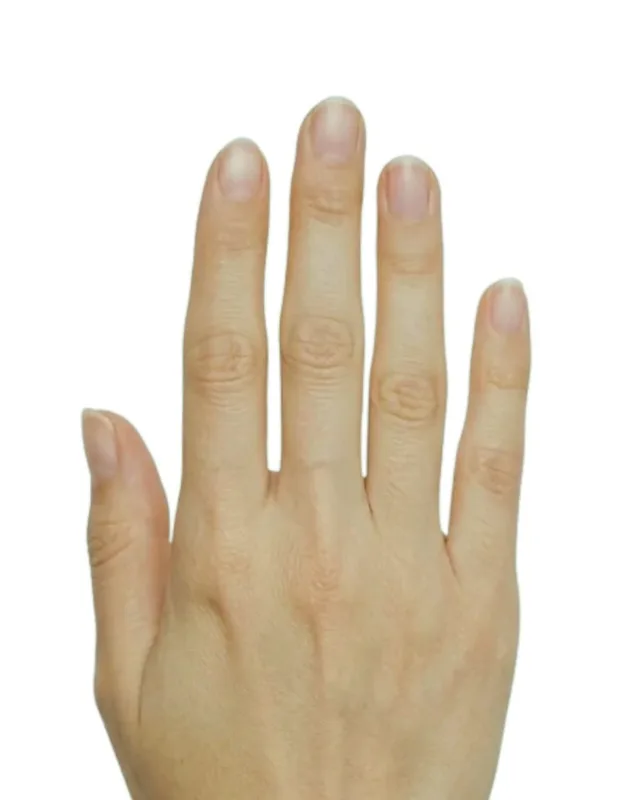
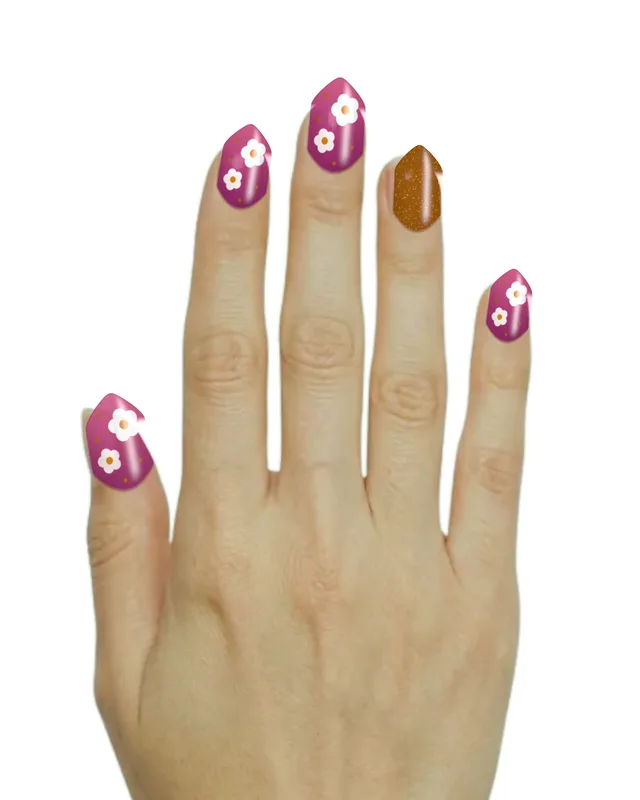
Polish: every finish
Colour alone doesn’t sell polish; the finish does. TryItOnMe shows seven:
- Gel and gloss — a wet-look shine.
- Crème — solid colour, soft sheen.
- Matte — no shine at all.
- Shimmer and glitter — sparkle that catches the light.
- Chrome — a mirror finish.
- Holographic — colour that shifts.
- Sheer and jelly — see-through colour over the natural nail.
French tips take a base shade and the tip colour you choose.
Shapes and lengths: the press-on question
Most people buying press-ons or booking a set know the colour they like but not the shape that suits their hands. On TryItOnMe shoppers try every shape — natural, square, squoval, round, oval, almond, coffin and stiletto — and every length, from their own to extra long. You set a default for each product; they can change it.
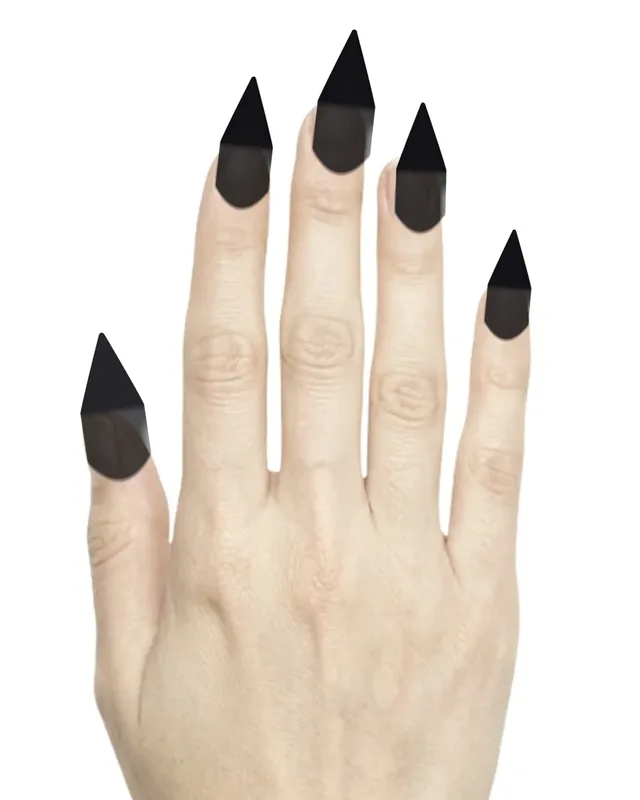
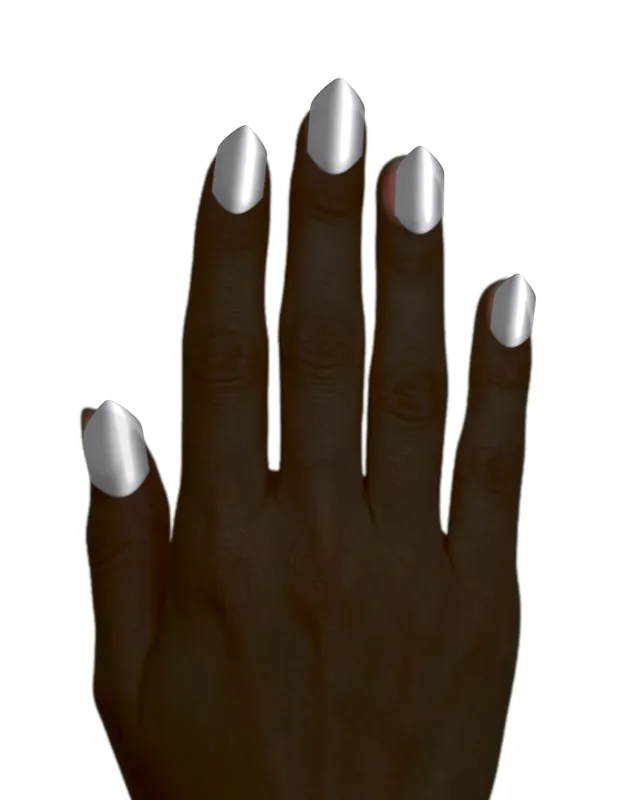
Nail art and press-ons from one photo
You don’t need a photo of every finger. Photograph one nail’s design; the background is cut out for you. Add an accent design for the ring finger if the set has one, choose the polish that shows through any see-through parts, and set the default shape, length and finish. Shoppers can try the same design in another shape, length or finish.
Who uses nail try-on
- Nail polish and gel brands: every shade, in its real finish, on the shopper’s own nails — so the colour they order is the colour they wanted.
- Press-on and nail art sellers: shoppers check a set’s shape and length before they buy.
- Nail salons: show your colours and designs, and share a try-on link on social media, in messages or as a QR code in the salon, so clients choose their look before they sit down.
- Jewelry and watch brands: shoppers can keep a polish on while they try your rings, bracelets or watches.
How to add nails to your store
- Polish: add each shade’s colour (hex or measured Lab), finish and SKU — or a French tip with its tip colour.
- Nail art and press-ons: upload one photo of one nail’s design, plus an accent design if there is one.
- Check it on our hand photos in six skin tones.
- Go live: a “Try it on” button on your product pages (Shopify, WooCommerce or any website), and a try-on link and QR code for social media and chats.
No 3D models and no developer needed.
What it costs
TryItOnMe has a free plan forever and paid plans priced by try-ons — never by products, shades or designs. Switching between shades of a product counts as one try-on. See pricing.
See nail try-on, or try it on yourself.
Questions
What is virtual nail try-on?
Software that paints nail polish or a nail design onto a person’s own nails in their camera view or a photo, so they can see it on their hand before buying or booking. It runs in the browser on a phone or computer; there is nothing to install.
Can shoppers try different nail shapes and lengths?
Yes. On TryItOnMe shoppers can try natural, square, squoval, round, oval, almond, coffin and stiletto shapes, in lengths from their own to extra long, whatever the product’s default.
Does nail try-on work for press-on nails and nail art?
Yes. Upload a photo of one nail’s design — the background is removed automatically — plus an optional accent design for the ring finger. Shoppers see the set on all five nails and can try it in another shape, length or finish.
Which polish finishes can be shown?
Gel/gloss, crème, matte, shimmer and glitter, chrome, holographic and sheer/jelly, plus French tips with a tip colour of your choice.
How much does nail try-on cost?
On TryItOnMe there is a free plan forever, and paid plans are priced by try-ons, never by the number of shades or designs. Nails are included on every plan.