Hair colour virtual try-on See the colour on their own hair before they dye
Shoppers see your shades on their own hair, live on the camera or on a photo. Their strands, shine and shadows stay, and the colour fades into the hairline like real dye. All over, ombré or highlights, natural or glossy — adjusted until it looks like them.
14 days of Pro free · no card
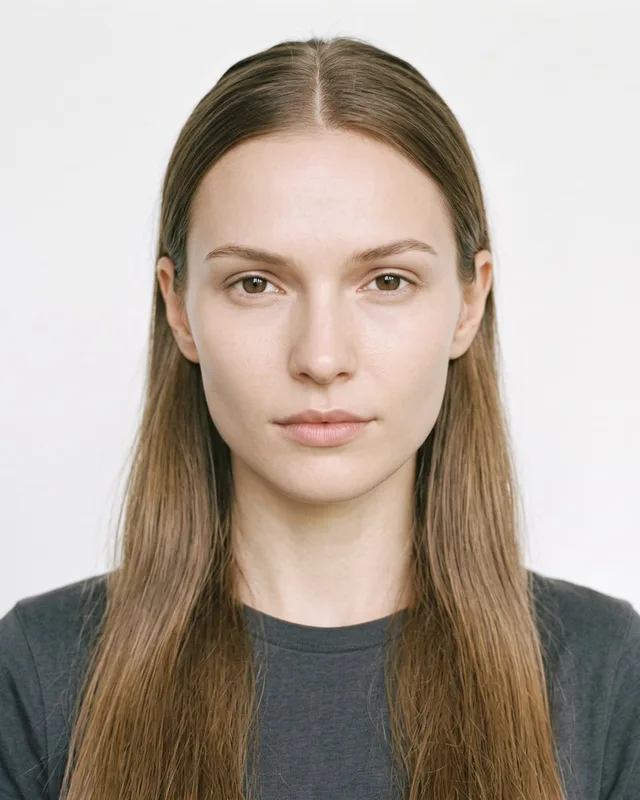
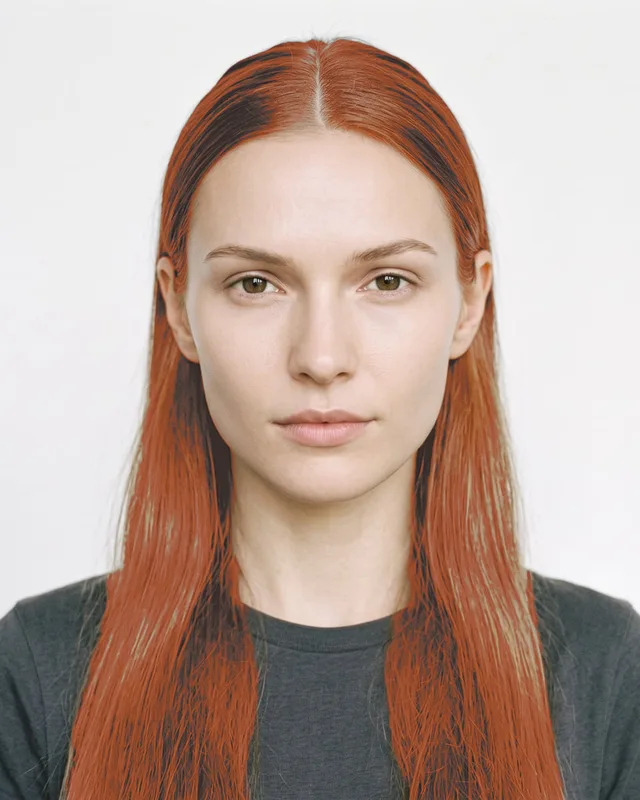
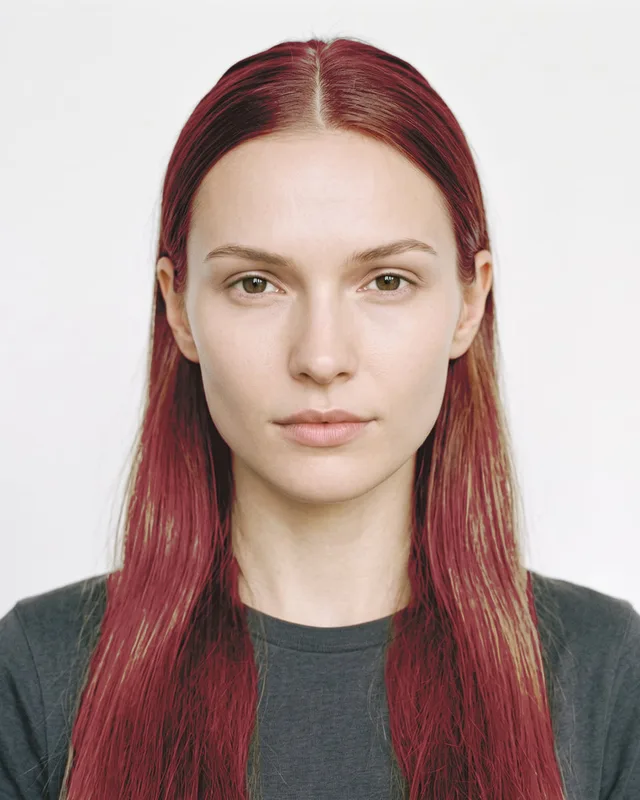
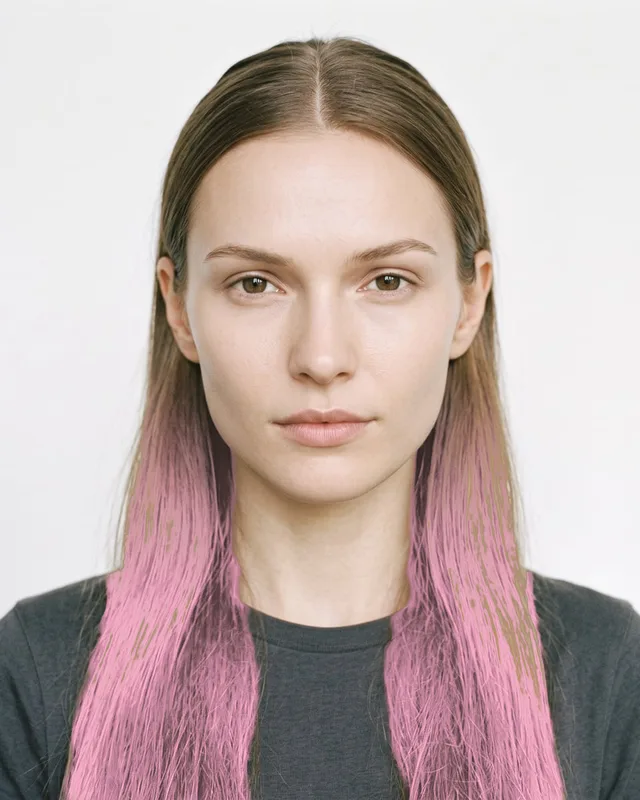
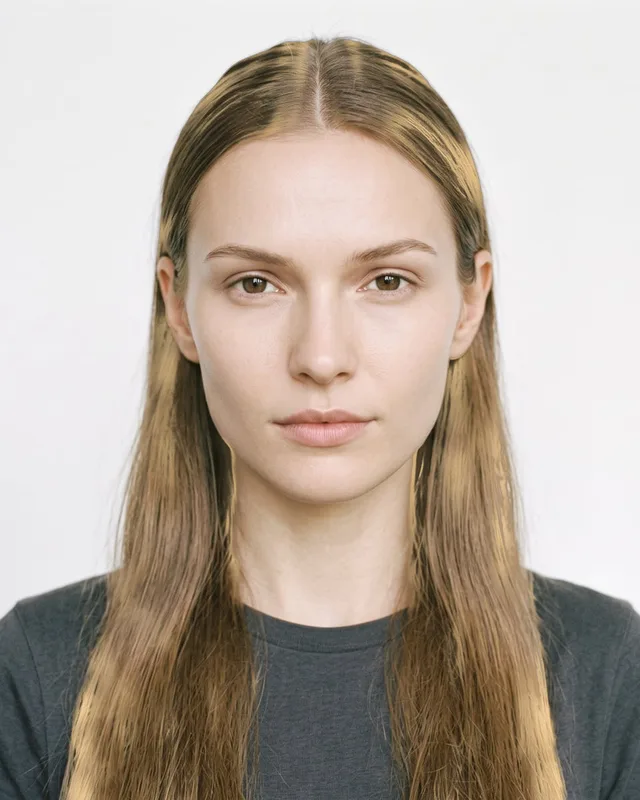
TryItOnMe is virtual hair colour try-on for hair dye brands, salons and beauty retailers. It recolours the shopper’s own hair live in the browser or on a photo, keeping their strands, shine and shadows. Stores add each shade by colour (hex or measured Lab) with its own SKU, choose all over, ombré or highlights and a natural or glossy finish, and show colour on dark hair realistically (as dye looks without bleaching) or vivid. Shoppers can change the style, the ombré direction and blend, the number of highlights and the intensity. No photos or 3D models are needed.
Never charged per product
Add every product you sell, on every plan. You pay for try-ons, not catalogue size.
Free to start, free forever
14 days of Pro with no card, then the Free plan for as long as you like.
On any website — or none
Shopify, WooCommerce or any other site, or just a try-on link for social media and chats.
Real try-on results
On every kind of hair
Long or short, light or dark, women and men. Stills from the TryItOnMe try-on on our model photos — your shoppers see the same on themselves, live.
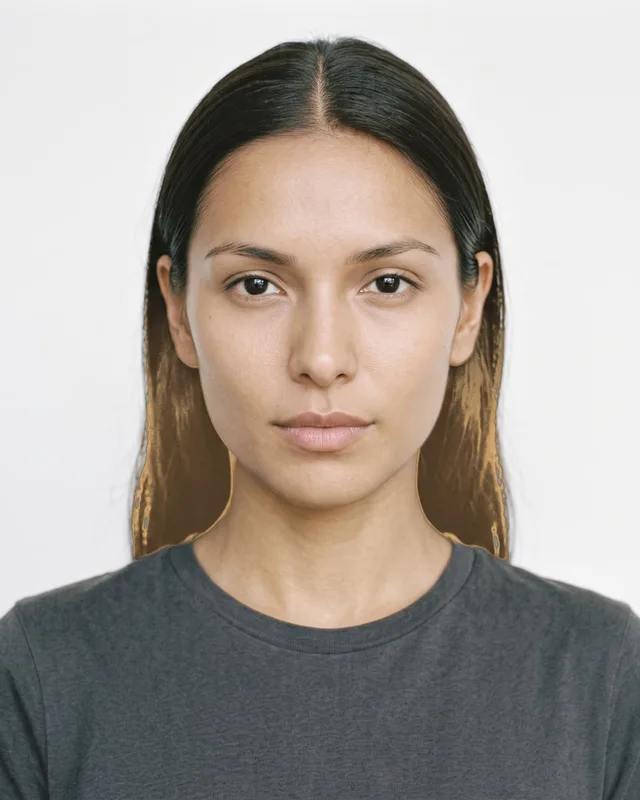
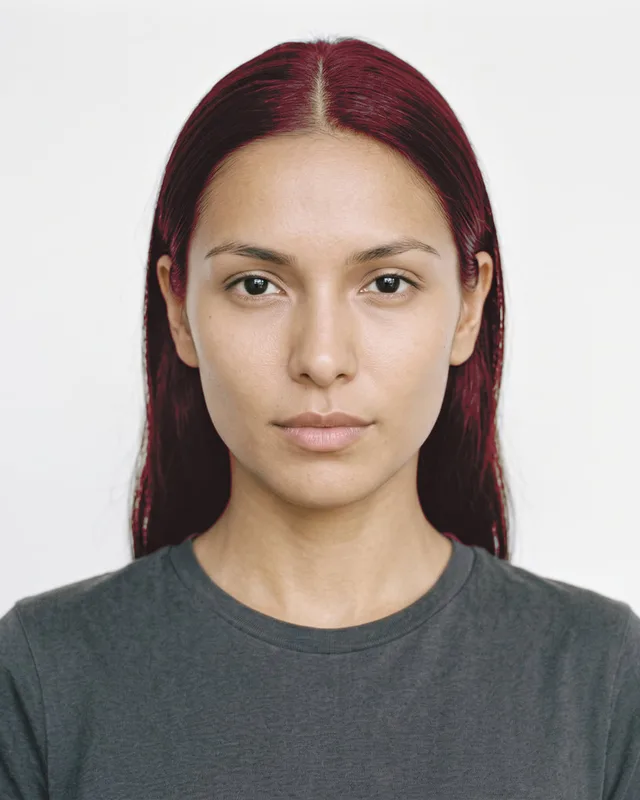

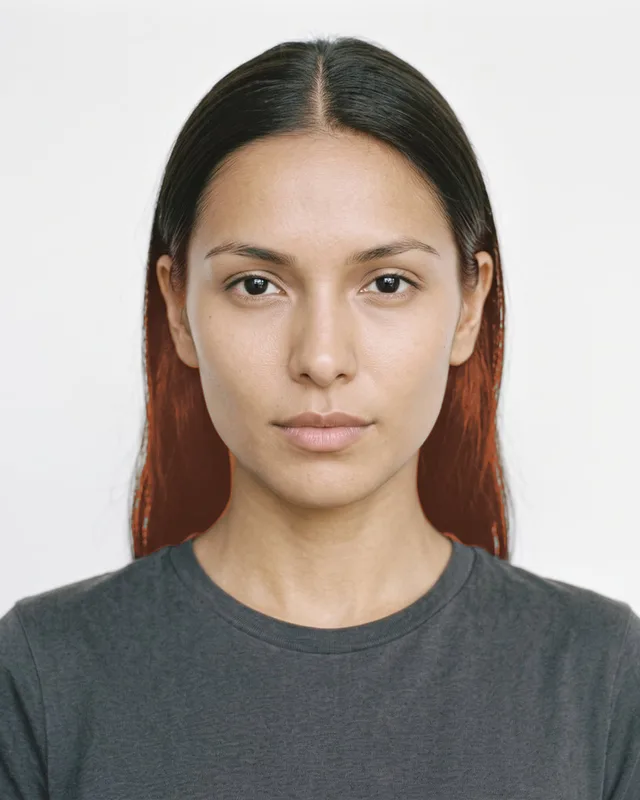
Live demo
Try hair colour on yourself
Pick a product and allow the camera. This is exactly what your shoppers get — and the video never leaves your device.
- No app, no sign-up for shoppers
- Live camera, or a photo of yourself
- Save or share the result
Try hair colour on
Pick a product and allow the camera. The video stays on your device.
Open the cameraWhat you get
Everything hair colour sellers need
On their own hair
Not a wig or a filter: the shopper’s own hair, recoloured. Strands, shine and shadows stay, and the colour fades into the hairline like real dye.
All over, ombré or highlights
Ombré toward the ends or from the roots, blended along the strands like a balayage. Highlights as soft ribbons on long hair and lit strands on short hair.
Shoppers fine-tune it
They choose the style, the ombré direction, where the blend sits and how soft it is, how many highlights and how strong the colour is.
Honest on dark hair
On dark hair, colour shows as dye really looks without bleaching first, so shoppers know what to expect. Tick Vivid for the shade-card look.
Your exact shades
Add each shade by hex code or measured Lab colour, with its own SKU, natural or glossy. No photos or 3D models needed.
Hair, makeup and earrings together
Shoppers keep a hair colour on while they try lipstick or earrings, and see the whole look at once.
Check it on real models
Preview every shade on our model photos — women and men of different backgrounds — with a hair close-up, before it goes live.
Every shade included
Unlimited shades on every plan. Switching shades in the try-on counts as one try-on, never extra.
Who it’s for
Made for hair colour businesses of every size
Hair dye brands
Help shoppers pick the right shade from your range at home — and buy it knowing what they’ll get.
Hair salons
Share a try-on link before an appointment, so clients arrive knowing the colour they want.
Beauty retailers
Put every colour brand you stock on your shoppers, from one dashboard, alongside your makeup.
Getting started
What you need per shade
- The shades you sell, each with its colour (hex or Lab) and SKU.
- The style for each: all over, ombré or highlights, natural or glossy.
- No photos or 3D models.
Prefer not to do it yourself? Our team can prepare your catalogue — see done-for-you setup.
Read the guide: Virtual hair colour try-on for dye brands and salons
Add your products
Upload in bulk, import a spreadsheet, or connect your Shopify or WooCommerce shop on a paid plan.
Check the fit
See each product tried on, adjust it on the live camera if you like, and save it for every shopper.
Go live anywhere
Add one line of code or the WooCommerce plugin — or share each product’s try-on link.
FAQ
Hair colour try-on, answered
How does virtual hair colour try-on work?
The shopper opens the try-on on your product page or from a link and allows the camera, or uses a photo. TryItOnMe finds their hair and recolours it with your shade — keeping their own strands, shine and shadows — and follows as they move. It runs in the browser, and the camera video never leaves their device.
Can shoppers try ombré and highlights?
Yes. You set each shade as all over, ombré or highlights. Shoppers can switch the style, turn the ombré around (toward the ends or from the roots), move and soften the blend, choose how many highlights and set the intensity.
Will a light shade look realistic on dark hair?
By default, colour on dark hair shows as dye would look without bleaching first — what most people get at home. For shades meant for lightened hair, tick Vivid to show the shade-card look.
Does it work on short hair and on men?
Yes. The try-on tells long hair from short: highlights become lit strands, and ombré runs from the roots on short hair unless you choose otherwise.
Can a hair salon use it?
Yes. Add the colours you offer as shades, then share a try-on link or QR code — on social media, in messages or at the front desk — so clients can see a colour on themselves before they book or sit down.
Does hair colour cost extra?
No. Hair colour is part of the try-on on every plan, Free included, and every shade is included. You pay for try-ons, never per product.
Last reviewed · More questions
Sell other things too? Same platform, same plan
Put your hair colours on your shoppers today
Start with 14 days of Pro, free and with no card. After that, stay on the Free plan for as long as you like — every product included, never charged per product.
14 days of Pro · no card · then Free, unless you choose a plan