Eyewear virtual try-on Every frame, on every face — from one photo
Upload one front photo of a frame and TryItOnMe turns it into a 3D pair of glasses — lenses, arms and all. Shoppers see it on their own face at true size, live in their browser, and buy with confidence. Every frame you sell is included, on every plan.
14 days of Pro free · no card
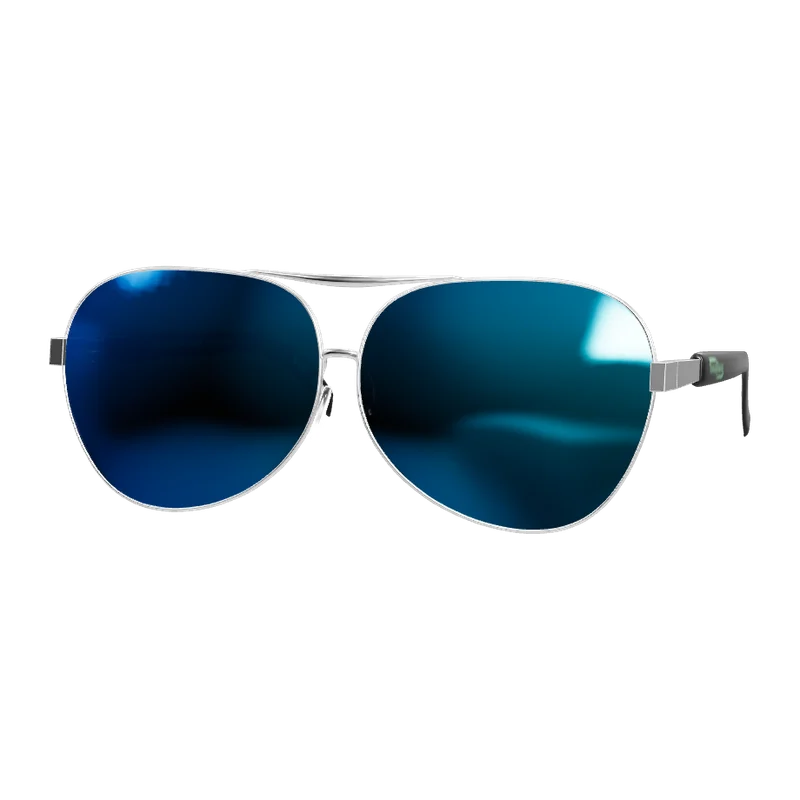
TryItOnMe is virtual try-on for glasses and sunglasses. It turns one ordinary front photo of a frame into a 3D try-on, sizes it from the shopper’s measured pupillary distance and the frame’s width, and shows it on the shopper’s face live in the browser — on the store’s website or from a link. Every plan includes unlimited frames.
Never charged per product
Add every product you sell, on every plan. You pay for try-ons, not catalogue size.
Free to start, free forever
14 days of Pro with no card, then the Free plan for as long as you like.
On any website — or none
Shopify, WooCommerce or any other site, or just a try-on link for social media and chats.
Live demo
Try eyewear on yourself
Pick a product and allow the camera. This is exactly what your shoppers get — and the video never leaves your device.
- No app, no sign-up for shoppers
- Live camera, or a photo of yourself
- Save or share the result
What you get
Everything eyewear sellers need
One photo becomes 3D
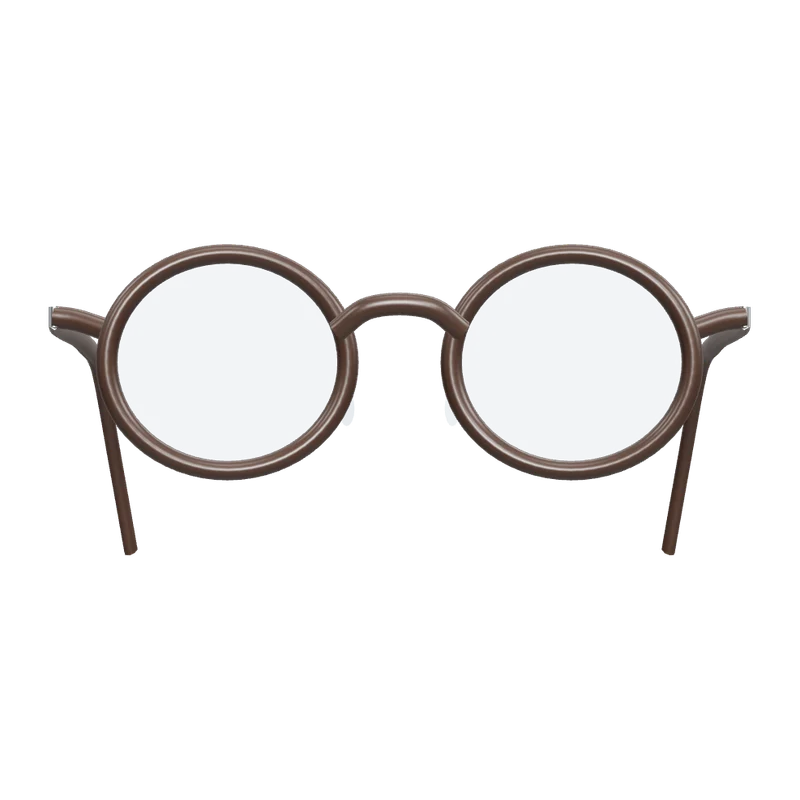
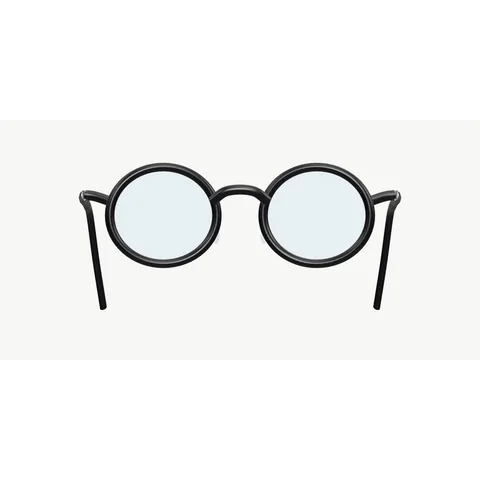
Upload a straight-on photo of a frame. We separate the frame, lenses and arms and build a real 3D pair of glasses from it — no 3D modelling, no agency. Add a side photo for the exact arms.
True to size
Each frame is scaled to the shopper’s own face, so a narrow frame looks narrow and a wide one looks wide. No surprises when the parcel arrives.
Lenses that look real
Clear, tinted, mirrored, gradient or photochromic — lenses look like glass, not stickers, and frames sit naturally as the head turns.
Every colour you sell
Shoppers switch between a frame’s colours inside the try-on — and it still counts as one try-on.
Compare side by side
Put several frames in one link — a new collection, your best sellers, a stylist’s picks — and shoppers swipe between them on their own face.
Your whole range, not a handful
Unlimited frames on every plan. Add every model and colour you stock without paying per frame.
Getting started
What you need per frame
- One straight-on front photo on a plain light background.
- Optional: a side photo for the real arms.
- Optional: the frame width in millimetres, for exact sizing.
- Already have 3D models (GLB)? Upload those instead.
Prefer not to do it yourself? Our team can prepare your catalogue — see done-for-you setup.
Read the guide: Glasses virtual try-on: how it works and what it costs
Add your products
Upload in bulk, import a spreadsheet, or connect your Shopify or WooCommerce shop on a paid plan.
Check the fit
See each product tried on, adjust it on the live camera if you like, and save it for every shopper.
Go live anywhere
Add one line of code or the WooCommerce plugin — or share each product’s try-on link.
FAQ
Eyewear try-on, answered
Do I need 3D models of my glasses?
No. Upload one front photo per frame and we turn it into a 3D pair of glasses — frame, lenses and arms. A side photo adds the real arms. Already have 3D models (GLB)? Upload those instead.
Is the glasses try-on true to size?
Yes. The try-on measures the shopper’s pupillary distance from the camera and scales the frame by its real width, so frames of different sizes look different on the same face. It’s for choosing frames, not for prescriptions.
How many frames can I add?
As many as you sell, on every plan — Free included. We charge for try-ons, never per frame.
Does it work for sunglasses and tinted lenses?
Yes. Lenses can be clear, tinted, mirrored, gradient or photochromic, and tinted lenses keep their colour from your photo.
Can shoppers try glasses on a photo instead of the camera?
Yes. Photo mode lets them try frames on a photo of themselves, or on model photos you provide.
Last reviewed · More questions
Sell other things too? Same platform, same plan

Put your eyewear on your shoppers today
Start with 14 days of Pro, free and with no card. After that, stay on the Free plan for as long as you like — every product included, never charged per product.
14 days of Pro · no card · then Free, unless you choose a plan