
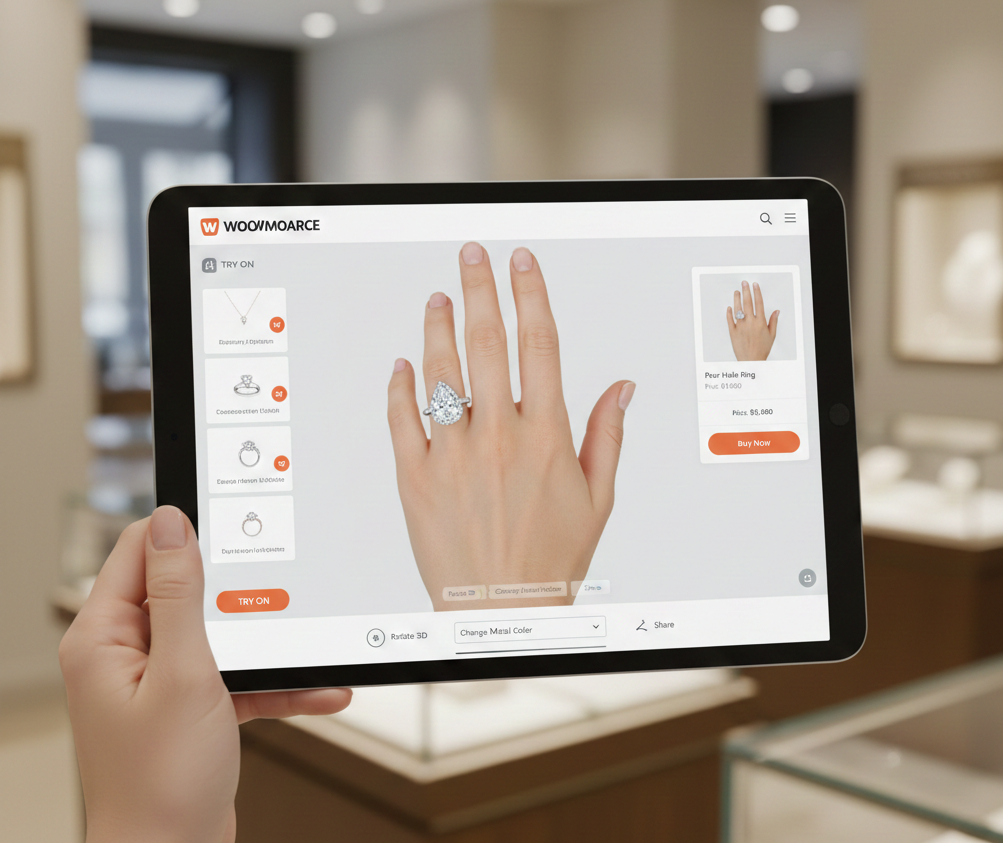
Nose Rings Try On Analytics: a GA4 Events, KPIs & Funnel Tracking Guide
- Define a consistent GA4 event taxonomy (vto_* events) to measure discovery → try-on → purchase.
- Track CTR, engagement, duration, snapshot, and try-on→commerce lift using ordered funnels.
- Use link-based VTO (tryitonme.com) to deploy quickly and persist UTMs/product_id across redirects.
Introduction
We’re walking through nose rings try on analytics so your team can measure who discovers, opens, interacts with, and converts after a virtual try-on. This guide pairs a practical GA4 events try on taxonomy with funnel tracking best practices (see GA4 events overview and GA4 funnel docs). We’ll give you a copy‑paste event map, recommended try on KPIs, GTM recipes, and a zero-code deployment pattern using tryitonme.com so you can get a working try-on link in under three business days.
Who this guide is for
- Ecommerce and product managers
- Analytics engineers
- Growth marketers
- Merch teams selling nose rings and small accessories
Quick glossary (ga4 events try on)
- VTO (Virtual Try-On)
- an augmented reality experience that overlays accessories on a live image or photo.
- Try-On Session
- one complete interaction from opening the try-on to leaving it.
- Impression
- a visible presentation of the try-on CTA or link.
- CTR (Click-through rate)
- clicks divided by impressions.
- Engagement Rate
- share of sessions with at least one meaningful interaction.
- Conversion Rate
- share of sessions that add-to-cart or purchase.
- GA4 event
- any tracked action in Google Analytics 4 — GA4 is event-based. (See GA4 events primer.)
- Parameter
- extra data attached to an event (e.g., product_id); register custom parameters before using them in GA4 Explore. (See GA4 parameters & custom dimensions.)
- Funnel tracking try on
- ordered measurement from discovery → try-on → purchase (funnel primer: funnel tracking in GA4).
Why track nose rings try on specifically
Nose rings are small and style-sensitive — subtle differences in placement, metal, and hue change perception. That makes the try-on moment especially valuable for building confidence and reducing hesitation. Measuring this behavior tells you who engaged deeply enough to be likely buyers and which creatives, placements, or campaigns drive that confidence. See an example implementation: nose rings virtual try-on.
A link-based VTO such as tryitonme.com lets you deploy quickly without SDK work: you create a shareable product link, append UTMs and product identifiers, and capture click- and session-level events across channels.
Measurement goals (ga4 events try on)
High-level goals:
- Capture discovery → try-on → consideration → purchase end-to-end.
- Measure CTR, engagement depth, try-on duration, snapshot/share behavior, and try-on-to-conversion lift.
- Attribute performance by campaign, source, device, color variant, and SKU.
GA4 supports ordered funnel analysis and programmatic funnel queries (runFunnelReport API). See runFunnelReport and GA4 funnel docs.
Event taxonomy (ga4 events try on)
Use consistent event names so Explorations and dashboards are simple to build. See an example taxonomy for small accessories: septum rings try-on analytics.
Core event categories
- Discovery: impression, click
- Try-on lifecycle: session start, open, interaction, snapshot, finish
- Commerce: add-to-cart, checkout, purchase
- Social: share, wishlist
Recommended GA4-friendly event names
- vto_link_impression
- vto_link_click
- vto_session_start
- vto_try_on_open
- vto_try_on_interaction
- vto_snapshot_taken
- vto_share_initiated
- vto_add_to_cart_from_tryon
- vto_checkout_initiated
- vto_purchase
- vto_session_end
Suggested parameters (for each event)
Register key ones as custom dimensions in GA4:
- product_id (string)
- sku (string)
- color (string)
- user_id (hashed string)
- session_id (string)
- campaign_source (string)
- campaign_medium (string)
- tryon_duration (number, seconds)
- interactions_count (integer)
- snapshot_taken (boolean)
- device_type (string)
- page_location (URL)
Mapping to GA4 (practical setup)
- vto_link_impression → register when CTA/link HTML renders (params: product_id, campaign_source, page_location). Use for CTR numerator/denominator.
- vto_link_click → fire on CTA click before redirect (params: product_id, campaign_medium, device_type).
- vto_session_start / vto_try_on_open → fired when the hosted try-on loads or the user enters the experience (params: session_id, product_id).
- vto_try_on_interaction → fire on meaningful interactions (rotate, scale, color change) with interaction_type and interactions_count.
- vto_snapshot_taken → fire when user saves or shares an image (opt-in required).
- Commerce events → map existing add_to_cart / purchase events to vto_add_to_cart_from_tryon / vto_purchase with product attribution.
Implementation notes for link-based VTO
- Append UTMs and product_id to each tryitonme.com link so campaign attribution is preserved.
- Fire
vto_link_clickon the page CTA before redirecting users to the try-on link; persist params through redirect. - If the hosted try-on supports postMessage or return callbacks, use them to capture snapshot and finish events.
- Register custom parameters in GA4 (see GA4 custom parameter docs).
GTM + GA4 tag examples (brief recipes)
- Trigger: Click on try-on CTA (CSS selector) → Tag: GA4 event
vto_link_click; set parametersproduct_idandcampaign_source. - Trigger: Message event or DOM mutation when try-on iframe loads → Tag: GA4 event
vto_try_on_open. - Trigger: Interaction handlers (e.g., color change buttons) → Tag: GA4 event
vto_try_on_interactionwithinteraction_type. - Trigger: Snapshot button click → Tag: GA4 event
vto_snapshot_taken(only fire after opt-in).
Short snippet (pseudo-JS) for click tagging before redirect
document.querySelector('.tryon-cta').addEventListener('click', function(e){
  gtag('event','vto_link_click',{product_id:'nose-ring-123',campaign_source:'email'});
  // small delay to ensure event is sent, then follow link
  setTimeout(()=>{ window.location = this.href; }, 150);
});
Try on KPIs (try on kpis)
Core KPI formulas and what they measure:
- Try-on link CTR = vto_link_clicks / vto_link_impressions — measures CTA effectiveness.
- Try-on engagement rate = sessions with interactions_count ≥ 1 / vto_session_start — measures meaningful use.
- Average try-on duration = sum(tryon_duration) / vto_session_start — measures attention depth.
- Snapshot rate = vto_snapshot_taken / vto_session_start — measures save/share intent.
- Try-on → add-to-cart = vto_add_to_cart_from_tryon / vto_session_start — commerce lift indicator.
- Try-on → purchase = vto_purchase_from_tryon / vto_session_start — bottom-line impact.
- Incremental revenue per try-on = total_revenue_from_tryon_sessions / vto_session_start — revenue efficiency.
Suggested starting benchmarks (directional): CTR 4–8%, engagement 25–40%, try-on→add-to-cart 6–12%, try-on→purchase 1–4% — treat as hypotheses to test. See a directional ROI note: ROI nose rings virtual try-on.
Funnel tracking try on (step-by-step)
Funnel stages:
- Discovery:
vto_link_impressionor product page view - CTA activation:
vto_link_click - Try-on open:
vto_try_on_open/vto_session_start - Engagement:
vto_try_on_interactionorvto_snapshot_taken - Commerce:
vto_add_to_cart_from_tryon→vto_checkout_initiated→vto_purchase
How to build in GA4 Explore
- Open Explore → choose Funnel exploration (see GA4 funnel docs).
- Add ordered steps using the exact event names above.
- Filter by
product_id = nose-ring-skuto isolate a SKU. - Break down by
session_sourceordevice_typeto find high-impact segments. - Choose closed vs open funnels based on expected entry points (guide: funnel build guide).
Dashboards & reports to build (ga4 events try on)
- Real-time active try-on sessions and top SKUs.
- Weekly funnel conversion dashboard showing step counts and drop-off.
- Segmented KPI panels by source, device, and color.
- Cohort view: try-on users vs non-try-on users over 7/30/90 days (purchase rate, LTV).
- Snapshot/share heatmap (if you capture anonymized snapshot opt-ins).
Optimization playbook (try on kpis)
Map KPI signals to prioritized experiments:
- Low CTR → test CTA copy, thumbnail, and placement; A/B test above the fold vs inline.
- Low engagement → reduce friction: faster load, auto-align, onboarding tooltip, presets.
- Low snapshot → incentivize with a small discount for first save/share; add social overlays.
- No conversion lift → test post-try-on overlay with tailored offers, product recommendations, or size guidance.
Always A/B test and measure lift through GA4 events and purchase attribution.
Example case study (hypothetical)
Hypothetical funnel for a nose-ring SKU:
- Product page views: 10,000
- vto_link_click: 600 → CTR = 6%
- vto_session_start: 420 → click-to-session = 70%
- Engaged sessions: 210 → engagement rate = 50%
- Purchases from try-on sessions: 30 → try-on→purchase ≈ 7.1%
Insight: click-to-session loss suggests redirect or load friction. Open-to-engage loss suggests UX improvements. (Numbers illustrative.)
Implementation checklist (ga4 events try on)
- Create a tryitonme.com link per nose ring SKU and include UTMs + product_id.
- Implement
vto_link_clickon product CTAs (site or GTM). - Configure GA4 custom events and register
product_id,tryon_duration,interactions_count,snapshot_taken. - Map DOM events and try-on callbacks to the taxonomy.
- Add fallback tracking for offsite try-on flows using redirect landing pages or postMessage.
- QA on mobile, desktop, and common social referrers. See mobile notes: mobile performance.
- Validate parameter persistence across redirects and compare counts vs expected traffic.
- Work with tryitonme.com support for UTM templates and link generation.
Privacy, consent & data governance (ga4 events try on)
- Fire analytics events only after required consent (see GA4 consent docs).
- Require explicit opt-in for snapshots or any image storage.
- Hash user_id values or rely on GA4’s pseudonymous IDs; don’t send PII.
- Consider Consent Mode and cookieless fallback strategies where applicable.
Troubleshooting common tracking issues
- Tag not firing because link opens new tab: use a synchronous click handler or a short redirect landing page.
- Cross-domain attribution breaks: persist URL params or use redirect flow that preserves campaign context.
- Duplicate events: dedupe using session_id or server-side order IDs.
- Mismatched counts vs orders: reconcile
vto_purchaseevents with server-side order IDs.
Why tryitonme.com is the Right Fit for Your Business
- Zero-code, link-based deployment — no custom SDK or API required.
- Fast time-to-market: unique, shareable try-on link delivered in under 3 business days. (Source: tryitonme.com.)
- Simple onboarding: you send standard product photos → their team/AI handles AR processing → you get the ready-to-use link.
- Accurate accessory VTO focused on small items like nose rings with reliable alignment.
- Works across web, mobile, and social channels via a single product link.
Book a Demo.
Call to action & next steps (nose rings try on analytics)
Ready to test a nose-ring try-on? Create a demo link on tryitonme.com and use the GA4 event mapping above. We can also provide a downloadable GA4 event mapping CSV, a GTM container template, or build a sample link for one SKU to validate your funnel. Start here: tryitonme.com.
Appendix / Downloads (ga4 events try on)
Available assets to attach to the post:
- GA4 event mapping CSV (event names + parameter columns)
- GTM tag & trigger example container (lightweight)
- Funnel exploration JSON/screenshot examples
- Measurement plan template and validation queries
Final editorial notes (nose rings try on analytics)
Tone: practical, action-first; POV: we/you. Use the event taxonomy and labels exactly as provided to ensure GA4 Explorations work without re-mapping. For a GA4 events primer, see: GA4 events primer.
If you want, we’ll prepare the downloadable CSV, a GTM starter container, or create a free demo try-on link for one nose-ring SKU — Book a Demo at tryitonme.com.
FAQ
What events should I register first in GA4?
Start with discovery and session events: vto_link_impression, vto_link_click, vto_session_start, and vto_try_on_open. Then register key parameters like product_id, session_id, and tryon_duration as custom dimensions to enable segmentation in Explorations.
How do I persist UTMs across tryitonme redirects?
Append UTMs and product_id to the tryitonme.com link. Use a short redirect landing page or ensure the hosted try-on returns params via postMessage or query params so the try-on session can capture the original campaign context.
Do I need consent for snapshot events?
Yes. Require explicit opt-in for snapshots or any image storage. Fire analytics for snapshots only after the user has consented and avoid sending PII—hash any user identifiers.
Can I use server-side tracking for VTO events?
Yes. Server-side capture helps dedupe client-side event noise and reconcile purchases to server order IDs. Persist a server-generated session_id client-side to map events reliably.
What benchmarks should I expect?
Directionally: CTR 4–8%, engagement 25–40%, try-on→add-to-cart 6–12%, try-on→purchase 1–4%. Treat these as starting hypotheses to validate with your users and SKU mix. See a directional note: ROI nose rings virtual try-on.