Jewelry Try On Shopify — Fast, Zero‑Code Virtual Try‑On for Your PDP
Quick Summary
- Link-based, zero-code VTOs like tryitonme.com provide the quickest way to add “Try On” to your PDP without installing the app.
- Three practical paths: shareable link (fastest), embedded iframe/modal, and JS widget for the smoothest experience.
- Use product metafields to store links per SKU and add a CTA near Add to Cart for the greatest impact.
- Test fallbacks (photo upload), analytics (UTM + dataLayer), and CSP/X-Frame when considering embedding.
Introduction — Why jewelry try-on matters for Shopify stores
You sell jewelry — and your customers buy with doubt. Jewelry try on Shopify features reduce uncertainty about scale, fit, and style by letting shoppers see rings, necklaces, and earrings on themselves before they buy. Adding a jewelry try-on increases shopper confidence and improves conversion opportunities while helping cut return friction. (See why VTO boosts conversions and reduces returns: VTO boosts conversions and reduces returns.)
For jewelry merchants on Shopify, the goal is simple: give customers accurate online product visualization without creating more dev work. Augmented reality for jewelry is mature enough to be a business tool, and Shopify best practices show that improved product visualization and clear PDPs lift shopper intent. Below is a practical, no‑nonsense playbook to add virtual try‑on to your product pages — fast. (Context and examples: tryitonme jewelry no-code VTO.)
Quick overview — Virtual try-on options for Shopify merchants
When you consider virtual try on Shopify options, there are three practical paths. Each has trade-offs for time-to-launch, cross-channel reuse, and technical risk:
1) Shareable product link / new tab
- Pros: Fastest to launch, works across web/mobile/social, no CSP/X‑Frame issues.
- Cons: Less “in-page” feeling vs embedded experiences.
- Good when: You need cross-channel reuse (email, socials) and zero dev time. See a comparison of VTO integrations.
2) Embedded iframe / modal
- Pros: Keeps shoppers on-site, feels integrated, better continuity on PDP.
- Cons: Check CSP/X‑Frame options; may require responsive wrapper and fallbacks.
- Good when: You want on-PDP immersion and are okay with a short QA window. Integration notes: integration notes.
3) JS widget / app-like embed
- Pros: Most seamless UX and control.
- Cons: More setup, permissions, and potential performance impact.
- Good when: You want a deeply integrated experience and have dev resources.
Why tryitonme.com is the Right Fit for Your Business
Tryitonme.com is built for merchants who want fast results without dev overhead. It’s a link‑based, zero‑code VTO solution that delivers shareable try‑on links per product — ideal for Shopify stores that need speed and cross-channel reuse. A few vendor-provided details about the onboarding flow:
- Purchase a 6‑month package based on the number of SKUs you need.
- Send standard product photos (for jewelry: front, side, scale references).
- The tryitonme.com team and AI handle all AR processing.
- You receive a unique, ready‑to‑use try‑on link in under 3 business days.
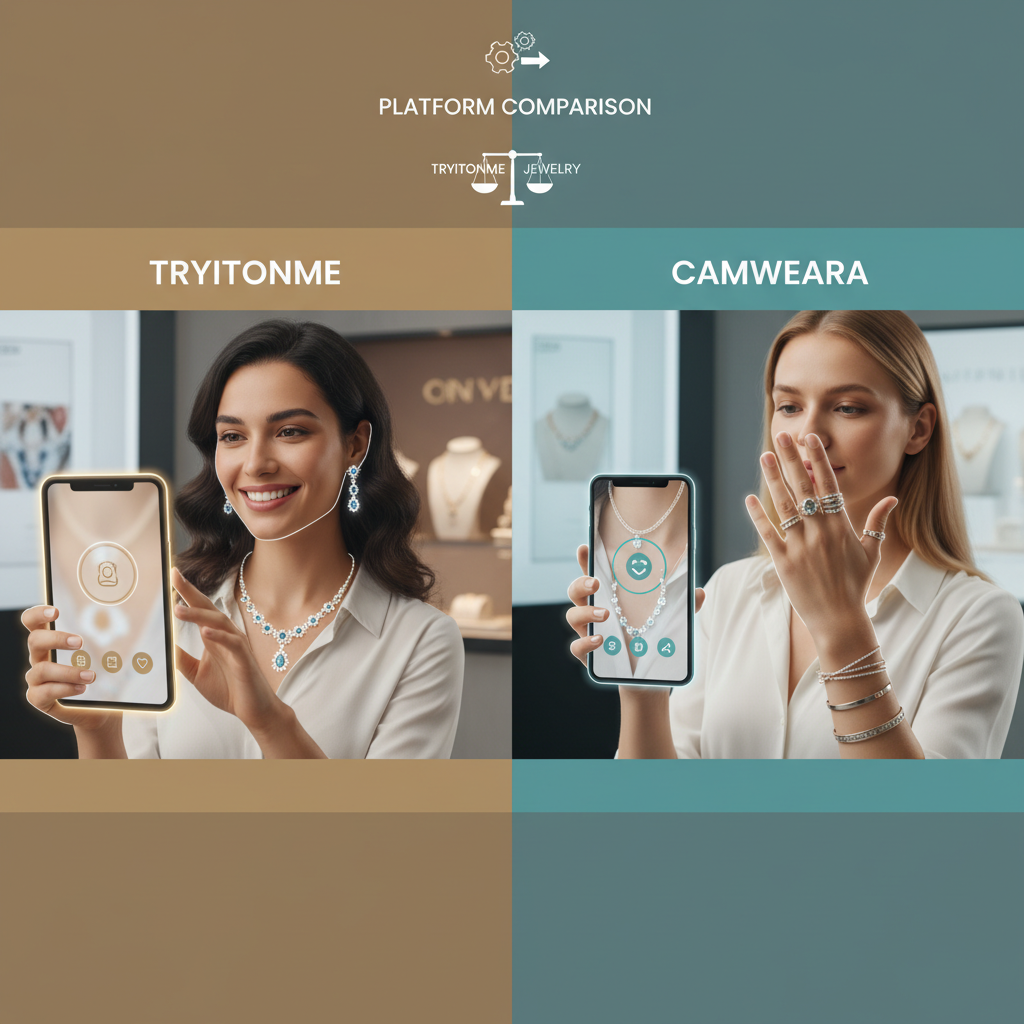
These steps emphasize fast time‑to‑market and ZERO‑CODE deployment. For context on fast link-based VTO rollouts, see a similar example: launch virtual try-on in minutes and more integration comparisons: integration comparisons. Vendor comparisons and further context: tryitonme vs camweara.
How to create your VTO link on tryitonme.com (step-by-step)
Follow these non-technical steps to create a jewelry try-on link:
- Sign up at tryitonme.com and create a product entry.
- Upload product photos: front and side frames; PNGs with transparency if possible.
- Add scale markers and enter exact SKU/variant metadata (size, metal, finish).
- Configure product settings: select jewelry type (ring/earring/necklace), lighting profile, and fallback (photo upload fallback if camera not available).
- Generate the unique try-on URL and copy it for your PDP or campaigns.
Best-practice bullets for assets
- File names: product-handle_variant (e.g., “opal-ring-ss-6.png”).
- Include a 1cm scale marker or a ruler in one photo for accurate sizing.
- Provide both modelless and model images when possible.
Reference for fast no-code VTO setup: fast no-code VTO setup. Pricing and rings-specific notes: rings VTO pricing.
Add a PDP Try On Button on Shopify — quick zero-code option
You don’t need an app to start. The fastest path is to add a PDP Try On button that opens the tryitonme.com link in a new tab (or modal if you later embed). See UX notes for placement: PDP Try On UX.
Minimal zero-code button snippet (copy/paste)
Paste this anchor anywhere in your theme or into a Custom Liquid block.
<a href="YOUR_TRYITONME_LINK" class="btn btn--secondary tryon-btn" target="_blank" rel="noopener">Try On</a>With UTM:
<a href="YOUR_TRYITONME_LINK?utm_source=shopify&utm_medium=pdp&utm_campaign=tryon" class="btn btn--primary tryon-btn" target="_blank" rel="noopener">Try On</a>Notes:
target="_blank"opens a new tab (fast and avoids CSP issues).rel="noopener"is a security best practice.- Add UTM parameters for campaign tracking.
Theme edit examples — Online Store 2.0 (Dawn) and legacy themes (Debut)
Online Store 2.0 (Dawn & modern themes) — Custom Liquid / custom block approach
- Online Store > Themes > Customize.
- Open the Product template and add a “Custom Liquid” block where the Add to Cart button sits.
- Paste this (example using a product metafield):
{"type":"custom_liquid","settings":{"liquid":"<a href=\\"{{ product.metafields.vto.tryon_link }}\\" class=\\"btn\\" target=\\"_blank\\" rel=\\"noopener\\">Try On</a>"}}To use dynamic links, add a product metafield called vto.tryon_link in Shopify admin and paste the tryitonme link per product. This keeps the button dynamic for each SKU.
Older themes (Debut/legacy) — Edit code approach
- Theme > Actions > Edit code.
- Open
sections/product-template.liquidorsnippets/product-form.liquid. - Add the Liquid example after the Add to Cart form:
{% raw %}{% if product.available %}
  <a href="{{ product.metafields.vto.tryon_link | default: 'YOUR_STATIC_LINK' }}" class="btn btn--secondary tryon-btn" target="_blank" rel="noopener">Try On</a>
{% endif %}{% endraw %}
Caution: Duplicate your theme before edits.
Embedding vs Linking — technical notes & when to choose each
- Linking: fastest, cross-channel friendly; use for immediate wins.
- Embedding (iframe): on-site experience but can be blocked by X‑Frame‑Options/CSP — test first.
- JS widgets: most seamless UX but need extra permissions and QA.
Responsive iframe wrapper example
<div class="tryon-wrap" style="position:relative;width:100%;height:500px;">
  <iframe src="YOUR_TRYITONME_EMBED_LINK" frameborder="0" allow="camera *; autoplay" sandbox="allow-scripts allow-forms" style="width:100%;height:100%;border-radius:8px;"></iframe>
</div>
Note: If iframe is blocked, fall back to the link approach. See iframe/CSP considerations: iframe/CSP considerations.
PDP placement best practices and A/B test ideas
- Primary placement: Next to the Add to Cart button (most visibility).
- Secondary placements: Below price, gallery overlay, and mobile FAB.
- Mobile: Sticky floating action button (FAB) lower-right for easy tap.
A/B test ideas
- Copy test — “Try On” vs “See It On You”.
- Position test — Above vs. below Add to Cart.
- Visual contrast — Button color/contrast vs. site color.
QA checklist — testing your jewelry try on Shopify setup
Before launch, run this checklist:
- Link/iframe loads on desktop and mobile.
- Camera permission flows for iOS Safari and Android Chrome.
- Upload fallback works when camera denied.
- Variant/SKU mapping shows correct jewelry in try-on.
- Accessibility: aria-labels on the button, keyboard focusable.
- Performance: try-on link loads in acceptable time; lazy-load iframe.
- Security: iframe CSP/X-Frame test and sandboxing.
- Visuals: jewelry scale, lighting profile, and reflectivity check.
(Downloadable checklist asset recommended for content team.)
Analytics & measuring success
Add UTMs to try-on links (example: ?utm_source=shopify&utm_medium=pdp&utm_campaign=tryon). Fire a GTM/DataLayer event on button click. Example DataLayer push:
window.dataLayer = window.dataLayer || [];
window.dataLayer.push({ event: 'pdp_tryon_click', product_id: '{{ product.id }}' });
Monitor funnel: try-on sessions → add-to-cart → conversions, and measure return-rate trends over time against your baseline. See measuring virtual shopping: measuring virtual shopping and tracking references: tracking references. Further analytics notes: try-on analytics.
Troubleshooting — common issues and quick fixes
- Iframe blocked: Check X‑Frame‑Options/CSP; if blocked, switch to link fallback.
- Camera unavailable on desktop: Show an “Upload a photo” option as a fallback.
- Styling conflicts: Scope CSS with a unique class (e.g.,
.tryon-btn) or use inline styles. - Variant mismatch: Verify SKU/variant mapping in the product metafield and on tryitonme.com. More notes: mobile performance notes.
Best practices — jewelry assets, copy and conversion optimization
- Assets: Neutral backgrounds, front/side frames, a scale marker, model + modelless shots when possible (AR jewelry asset guide).
- Naming: Use consistent file names: handle_variant (e.g., “emerald-necklace-14k.png”).
- Copy: Microcopy under the button: “Tap to try with your camera — photo upload available.”
- UX: Add a short tooltip that explains camera permissions and privacy.
Implementation timeline, access & resource checklist
Two rollout paths:
- Quick link/button: 30–60 minutes. Needs: Shopify admin, theme editor access, tryitonme.com link.
- Embed + tracking + QA: 1–2 business days. Needs: Shopify code access, GTM/analytics, tryitonme.com account, product photos.
Supporting assets to create with this post (for the content team)
- Screenshots: tryitonme.com dashboard link creation, Shopify Theme Editor placement.
- GIF/video: button tap → try-on flow.
- Downloadable: QA checklist PDF.
- Files: code snippets (Liquid, JSON block, iframe, GTM example) with alt text and captions.
Conclusion & recommended next steps (CTA to tryitonme.com)
Fastest path to test: generate a tryitonme.com link, add a PDP Try On button to a high-traffic product, and run a short A/B test on copy. Virtual try on Shopify features give your customers clearer expectations and a better shopping experience — and you get a measurable funnel to optimize.
Get started with tryitonme.com — generate a link and add a PDP Try On button today.
Appendix — Code snippets & copy-paste examples (for download)
Minimal anchor (Theme Editor / Custom Liquid)
<a href="YOUR_TRYITONME_LINK" class="btn tryon-btn" target="_blank" rel="noopener">Try On</a>Anchor with UTM
<a href="YOUR_TRYITONME_LINK?utm_source=shopify&utm_medium=pdp&utm_campaign=tryon" class="btn tryon-btn" target="_blank" rel="noopener">Try On</a>Responsive iframe wrapper (Theme Editor / Custom HTML)
<div class="tryon-wrap" style="position:relative;width:100%;height:500px;">
  <iframe src="YOUR_TRYITONME_EMBED_LINK" frameborder="0" allow="camera *; autoplay" sandbox="allow-scripts allow-forms" style="width:100%;height:100%;border-radius:8px;"></iframe>
</div>
Online Store 2.0 JSON block (paste in a custom block)
{"type":"custom_liquid","settings":{"liquid":"<a href=\\"{{ product.metafields.vto.tryon_link }}\\" class=\\"btn\\" target=\\"_blank\\" rel=\\"noopener\\">Try On</a>"}}Legacy theme Liquid snippet (Edit code: product-template.liquid)
{% raw %}{% if product.available %}
  <a href="{{ product.metafields.vto.tryon_link | default: 'YOUR_STATIC_LINK' }}" class="btn btn--secondary tryon-btn" target="_blank" rel="noopener">Try On</a>
{% endif %}{% endraw %}
GTM DataLayer example
window.dataLayer = window.dataLayer || [];
window.dataLayer.push({ event: 'pdp_tryon_click', product_id: '{{ product.id }}' });
Cautions:
- Always duplicate your live theme before code edits.
- Test iframe CSP/X‑Frame behavior; fallback to link if blocked.
- Keep tryitonme links organized in product metafields for dynamic output.
FAQs
Do I need to install an app?
No — tryitonme.com is link-based and does not require a Shopify app or SDK installation. Quick app alternatives are available if you prefer an app workflow.
How long to set up?
Basic button and link: about 30–60 minutes; embed with QA and tracking: 1–2 business days.
What about privacy/camera permissions?
The browser will request camera permission. Always provide a photo upload fallback for users who decline or use devices without cameras. Add microcopy explaining permissions and privacy.
Can I use the same try-on link in email or social posts?
Yes — link-based VTO is cross-channel by design and works well in email, social, and marketing campaigns.
What if the iframe is blocked by CSP/X‑Frame?
Switch to the link fallback (open in new tab) and surface the link via product metafield or a modal CTA. Test CSP/X‑Frame behavior before relying on embed in production.