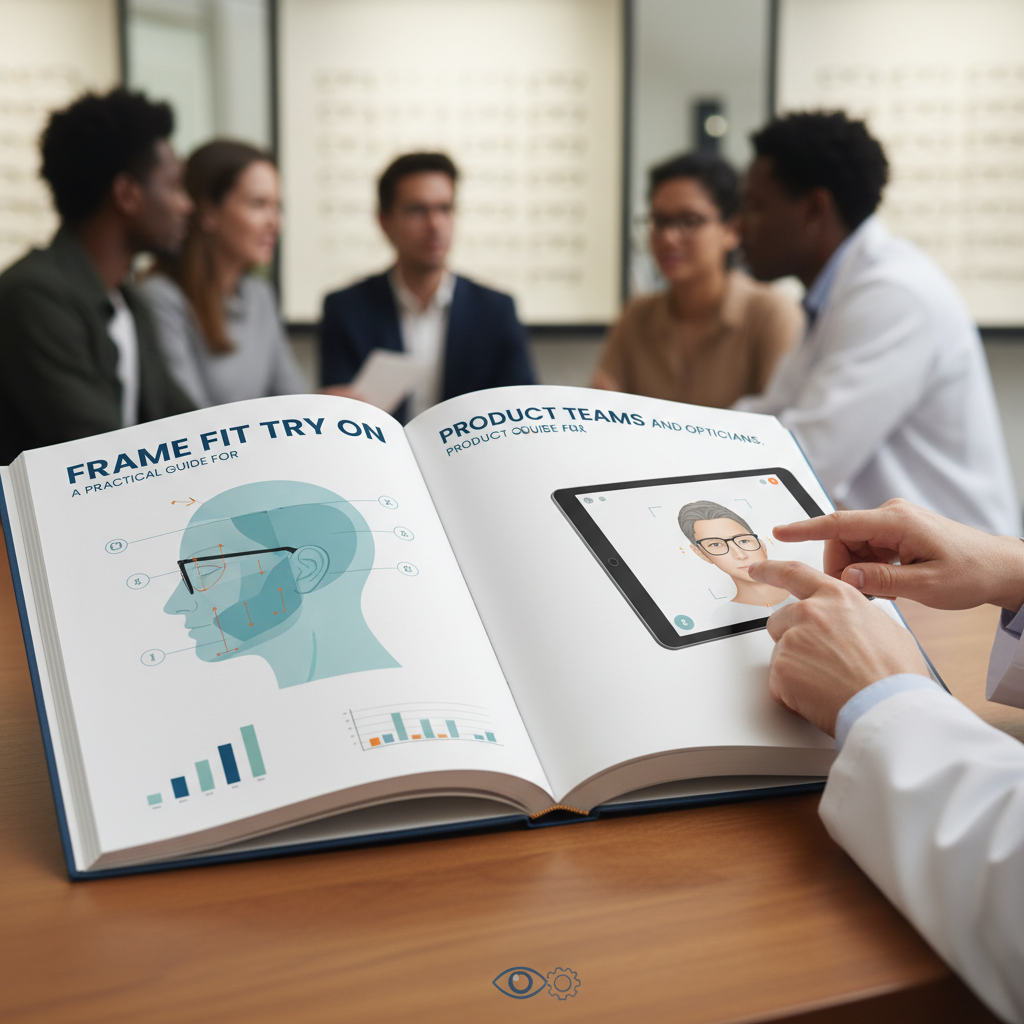
Frame Fit Try On — A Practical Guide for Product Teams and Opticians
- Prioritise accurate PD/IPD capture and clear confidence indicators to reduce returns and improve conversions.
- Use face landmarks (pupil centers, canthi, nasion, ear anchors) to map frames to the face and simulate temple behavior.
- Provide calibration, visual confirmation, and manual override flows; gate high‑risk prescriptions to optician verification.
Introduction (frame fit try on)
“Frame fit try on” refers to the set of measurements and verification steps that ensure a pair of eyeglasses sits correctly on a wearer’s face and aligns optically with their eyes. This guide focuses on the technical side of fit — pupillary distance (PD/IPD), temple fit, and the virtual try-on systems that measure and simulate those attributes — so product managers, AR engineers and dispensing opticians can design flows that reduce returns and improve conversions. For practical fit guidance on how glasses should sit on the face, see Warby Parker’s summary of proper frame fit.
What is a frame fit try on? (frame fit try on)
A frame fit try on is both measurement and validation: measuring key facial dimensions, mapping those to frame geometry, and confirming comfort and optical alignment before purchase. Core measurements typically include:
- Pupillary distance (PD) / interpupillary distance (IPD)
- Monocular PD (left/right)
- Bridge/vertex distance
- Temple length and hinge position
- Pantoscopic tilt and frame wrap
These values determine lens centering, optical axis alignment, and whether temples will sit comfortably behind the ears. For a practical overview of frame geometry and how measurements map to fit, see Poudre Valley Eye Care’s frame-fit guide and LeOptique’s write-up on the importance of proper fit.
Why accurate pupillary distance (PD) and temple fit matter (pd measurement virtual try on)
Accurate PD and appropriate temple fit are central to both optical performance and customer satisfaction. Mis-centered lenses create off-axis viewing that can introduce perceived prism effects, blurred vision, and discomfort; poor temple fit leads to slippage, pressure points, and repeat adjustments. LeOptique discusses the optical consequences of poor fit in detail. Warby Parker’s guidance also highlights the role of temples and bridge in mechanical comfort.
Business impact: inaccurate measurements increase returns, drive support costs, and reduce conversions because shoppers hesitate to buy when fit is uncertain. That makes investment in robust PD and temple measurement a measurable product priority.
PD vs IPD: definitions and differences (ipd try on, pd measurement virtual try on)
Clear definitions help product teams decide what values to capture and present in UX:
- Binocular PD (often just “PD”): the total distance between the centers of the pupils of both eyes.
- Monocular PD / IPD: the distance from the facial midline (or nose bridge reference) to each pupil, measured separately for left and right.
Monocular PD (IPD) is especially important for progressive lenses, multifocals, or frames with asymmetric lens designs because lens centering must account for each eye’s offset. LeOptique explains these distinctions and when monocular values are preferable.
How virtual PD measurement works (pd measurement virtual try on)
Virtual PD measurement falls into a few broad capture strategies: tryitonme / cermin.id overview
- Single-image capture: user holds still and a single frontal image is analyzed.
- Multi-image capture: multiple stills from slightly different angles increase robustness.
- Video-based capture: continuous frames allow temporal filtering and pose estimation.
Common calibration approaches used to scale pixels to millimeters include:
- A printed calibration card or credit-card-sized object with known size.
- Detecting a known face-width metric or anthropometric ratio.
- Camera focal length + device-specific calibration tables.
Typical algorithmic pipeline (high level): detect facial landmarks → infer pupil centers → compute pixel distance → apply scale/pose correction → output PD/IPD and confidence score. Zenni Optical provides an accessible overview of virtual try-on approaches.
Accuracy expectations and tradeoffs (pd measurement virtual try on)
Expect tradeoffs between ease-of-use and accuracy. Consumer-facing virtual PD tools commonly report consumer accuracy ranges in the low single-millimeter band under good capture conditions. Zenni’s documentation speaks to typical consumer-tool accuracy considerations and the need for calibration and quality controls.
Product teams should set realistic QA targets: for most non-progressive prescriptions, ±1–2 mm may be acceptable; for high prescriptions or progressive lenses, tighter tolerances are recommended (a rule-of-thumb is to aim for <1 mm error for critical prescriptions). Label such targets internally as heuristics and verify with optician-led validation before enforcing gating rules.
Face landmarks eyewear (face landmarks eyewear)
Face landmarks map visual detections to frame geometry. Key points for eyewear systems include:
- Pupil centers (for lens centering)
- Inner and outer canthi (eye corners) (helpful for estimating frame width)
- Nasion/nasal bridge (for bridge fit and frame sit)
- Alar base / cheek reference (for vertex distance and pantoscopic tilt estimation)
- Ear tragus/helix anchors (for temple placement and effective temple length)
These landmarks let a system compute lens centers, estimate how the frame will rest, and simulate tilt or wrap. See Poudre Valley Eye Care’s guide and Zenni’s documentation for mapping and recommended detection toolkits.
Handling occlusions and glasses-on scenarios (face landmarks eyewear)
Practical UX and QA tips:
- Encourage users to remove existing glasses when capturing PD and facial landmarks. If capture with glasses is necessary, implement fallback flows that detect reflections and lower-confidence landmarks.
- Provide a “glasses-on” mode that tries to detect pupil centers through lenses but presents a higher uncertainty score and requests professional verification for critical prescriptions.
- Offer guided retake tips (e.g., “tuck hair away,” “angle phone slightly higher”) when landmarks are obscured.
Zenni’s help pages include guidance for users on how to capture usable images for virtual try-on.
Implementing IPD and PD in a virtual try-on flow (ipd try on, pd measurement virtual try on)
A practical UX flow (step-by-step blueprint):
- Onboarding: explain why PD/IPD matter and how the tool works.
- Calibration: request a calibration card or show an on-screen overlay to set expected distance.
- Capture guidance: show framing box, pose hints, and live quality meter.
- Measurement: perform landmark detection and compute PD/IPD with confidence score.
- Visual confirmation: overlay lens center markers and let users confirm alignment.
- Manual override: allow users to enter optician-measured values or request professional measurement.
Examples and inspiration: America’s Best provides consumer-facing virtual try-on UX that highlights guidance and overlays; Eyeconic shows similar capture and confirmation steps; see also tryitonme / cermin.id.
When to require professional verification (ipd try on)
Heuristics for gating to professional verification (label as rules-of-thumb unless internally validated):
- High prescriptions (spherical equivalent beyond a threshold)
- Progressive or multifocal prescriptions
- Large disagreement (>2 mm) between user-entered and camera-estimated PD
- Low-confidence measurement from the algorithm
When in doubt, offer a “measure in store” or “optician verification” option rather than blocking purchase outright.
Temple fit modeling and virtual simulation (temple fit)
Temple fit estimation typically uses the landmark-to-ear mapping and hinge position estimates to predict temple length and wrap. Key modeling outputs:
- Estimated temple length vs catalog temple length (flag too-long/too-short)
- Predicted pressure points or likely slippage areas (based on ear anchor vs hinge)
- Simulation overlays showing how much temple contacts the head (tight/neutral/loose)
Accurately predicting temple behavior reduces returns tied to slippage and discomfort and helps product teams recommend frames with appropriate temple geometry. See Poudre Valley’s notes on temples and side fit: Poudre Valley Eye Care and tryitonme.
Accounting for materials and hinge types (temple fit)
Material choice (acetate vs metal vs TR-90) and hinge type (standard vs spring/flex hinge) influence comfort and forgiveness in fit. Best practice is to surface material and hinge metadata in the product UI (for example: “flex hinge — forgiving fit”) so shoppers and fit algorithms can weight recommendations. Keep these statements general and test in-market — fit perception varies across wearers.
Accuracy, validation and tolerances (pd measurement virtual try on)
Validation methods product teams should run:
- Bench testing using mannequin heads with known PD and vertex metrics.
- Optician-verified user studies with a representative sample (ages, face shapes).
- A/B tests comparing conversion/return metrics before and after enabling virtual PD.
Consumer tool accuracy notes and typical reported ranges are discussed in Zenni’s virtual try-on documentation; use those ranges as starting acceptance thresholds. Recommended acceptance criteria to consider:
- Pass: measurement within ±1–2 mm (depending on product rules)
- Warning: 2–3 mm discrepancy → display caution or suggest optician verification
- Fail: >3 mm discrepancy or low-confidence detection → require manual/optician input
Practical step-by-step guide for users (pd measurement virtual try on, ipd try on)
A short user checklist to reduce failed captures:
- Good lighting: face evenly lit, avoid strong backlight.
- Remove glasses and sunglasses if possible.
- Hold phone/camera at eye level, about arm’s length away.
- Tuck hair away from temples and forehead.
- Keep a neutral expression and look straight at the camera.
- Use a calibration card if requested and follow on-screen prompts.
- Review overlay markers and confirm if centers look aligned.
Troubleshooting tips:
- If pupils aren’t detected: increase lighting and remove spectacles.
- If the image is blurry: steady the device or place on a stand.
- If overlays don’t align: allow manual PD entry or request store measurement.
See America’s Best user tips and Zenni’s how-to for additional capture guidance.
Implementation considerations for product teams (face landmarks eyewear)
Tech choices and cross-device issues:
- VTO solution choice: weigh **turnkey link-based solutions** (like tryitonme.com) vs complex custom-built AR solutions for accuracy, support, licensing, and platform coverage. See tryitonme / cermin.id for integration examples.
- Cross-device consistency: front vs rear camera focal lengths, device-specific distortion, and distance estimation will differ — maintain device calibration tables.
- Privacy & data retention: avoid storing raw facial images unless necessary; if stored, encrypt and define retention. Document these choices for legal review.
Quick legal/privacy checklist:
- Get opt-in consent for facial capture.
- Specify retention times and deletion options.
- Provide an offline/manual entry alternative to avoid lock-out for privacy-sensitive users.
Zenni’s documentation touches on practical capture and device considerations.
Common failure modes and troubleshooting (pd measurement virtual try on)
Typical causes of failed PD measurement:
- Poor lighting or strong backlight
- Glasses, hair, or masks occluding landmarks
- Excessive head tilt or rotation
- Strong reflections on lenses
UX best-practices to address these:
- Show a live quality/confidence indicator and instruct on fixes
- Auto-capture only when confidence exceeds a threshold
- Provide clear, short retake instructions and a manual entry path
Zenni documents troubleshooting scenarios in their virtual try-on help resources.
Visual assets and UX recommendations (face landmarks eyewear)
Design and engineering should agree on a prioritized assets list:
- Annotated landmark diagram (pupil centers, canthi, nasion, ear anchors)
- PD vs monocular PD illustration (one simple graphic)
- Temple-fit overlays (showing tight/neutral/loose states)
- Calibration card demo images (front/back examples)
- 60–90s demo video script and storyboard explaining capture and confirmation
Zenni’s help pages include examples of overlays and visual guidance used in live deployments; see tryitonme for accessory-focused examples.
Why tryitonme.com is the Right Fit for Your Business (frame fit try on)
tryitonme.com provides accessory-focused virtual try-on capabilities designed for retailers and brands:
- Accurate accessory VTO: built to align frames and accessories to detected facial landmarks.
- Fast capture and rendering: optimized for mobile workflows to keep users engaged.
- Easy integration: **No code is required.** Deployment is handled via a simple, unique link for each product, ensuring quick onboarding into any e‑commerce stack, social media, or marketplace.
- UX-forward: tools that emphasize clear overlays, quality scores, and manual overrides.
Interested teams can evaluate the platform hands-on. Book a Demo via the tryitonme link above.
SEO / on‑page keyword strategy (frame fit try on)
Quick tactical checklist:
- Use the primary keyword “frame fit try on” in the H1/title and the first paragraph.
- Include target keywords in H2s: face landmarks eyewear, pd measurement virtual try on, ipd try on, temple fit.
- Add keywords to image alt text (e.g., “annotated face landmarks eyewear”), meta description, and structured data.
- Keep natural language — prioritize user clarity over keyword stuffing.
FAQs and glossary (ipd try on, pd measurement virtual try on)
Q: What’s the difference between PD and IPD?
A: PD commonly refers to the total binocular distance between pupils; IPD or monocular PD captures left/right distances individually and is useful for progressive lenses. See LeOptique’s explanation.
Q: How accurate are virtual PD measurements?
A: Consumer-facing tools typically aim for low single-millimeter accuracy under good conditions; expect ±1–2 mm ranges per vendor guidance. See Zenni’s notes.
Q: When should I see an optician instead?
A: For progressive lenses, very strong prescriptions, asymmetrical facial features, or if the app flags low-confidence measurements, an in-person measurement is recommended.
Q: Can I buy glasses based only on online try-on?
A: Yes, many retailers accept virtual try-on as part of the purchase flow, but systems usually offer manual input or in-store verification when necessary. Examples: America’s Best and Eyeconic.
Glossary (short)
- PD: Pupillary Distance (total distance between pupils)
- IPD: Interpupillary Distance / Monocular PD
- Vertex distance: distance from the back surface of lens to the cornea
- Pantoscopic tilt: tilt angle of the frame relative to the face
- Temple length: length of the frame arm measured to fit behind the ear
For additional FAQ resources see Zenni’s help pages.
Conclusion and CTA / next steps (frame fit try on)
Accurate frame fit try-on flows reduce returns, lower support load, and increase shopper confidence. For product teams, the path is clear: prioritize robust PD/IPD capture, model temple fit with ear-anchor mapping, validate with optician-led studies, and provide clear UX fallbacks when confidence is low. For practical guidance on how frames should sit and mechanical fit principles, see Warby Parker’s how-to guide.
Next steps:
- Pilot a virtual PD capture on a subset of SKUs and measure return rates.
- Run an optician-verified validation study before enabling progressive-lens sales via virtual capture.
- If interested in a turnkey accessory VTO solution, book a demo with tryitonme.com.
Appendix / Data & validation resources (pd measurement virtual try on)
Downloadable assets product teams can build:
- One-page PD cheat sheet (capture conditions, pass/fail thresholds).
- Pseudocode/flow diagram: Capture → Detect landmarks → Scale → Compute PD/IPD → Confidence → Render.
- Validation test-plan template (bench test specs + optician user-study protocol).
Reference resources: