
2D vs 3D Try On Sunglasses — When to Use 2D Compositing vs 3D Models
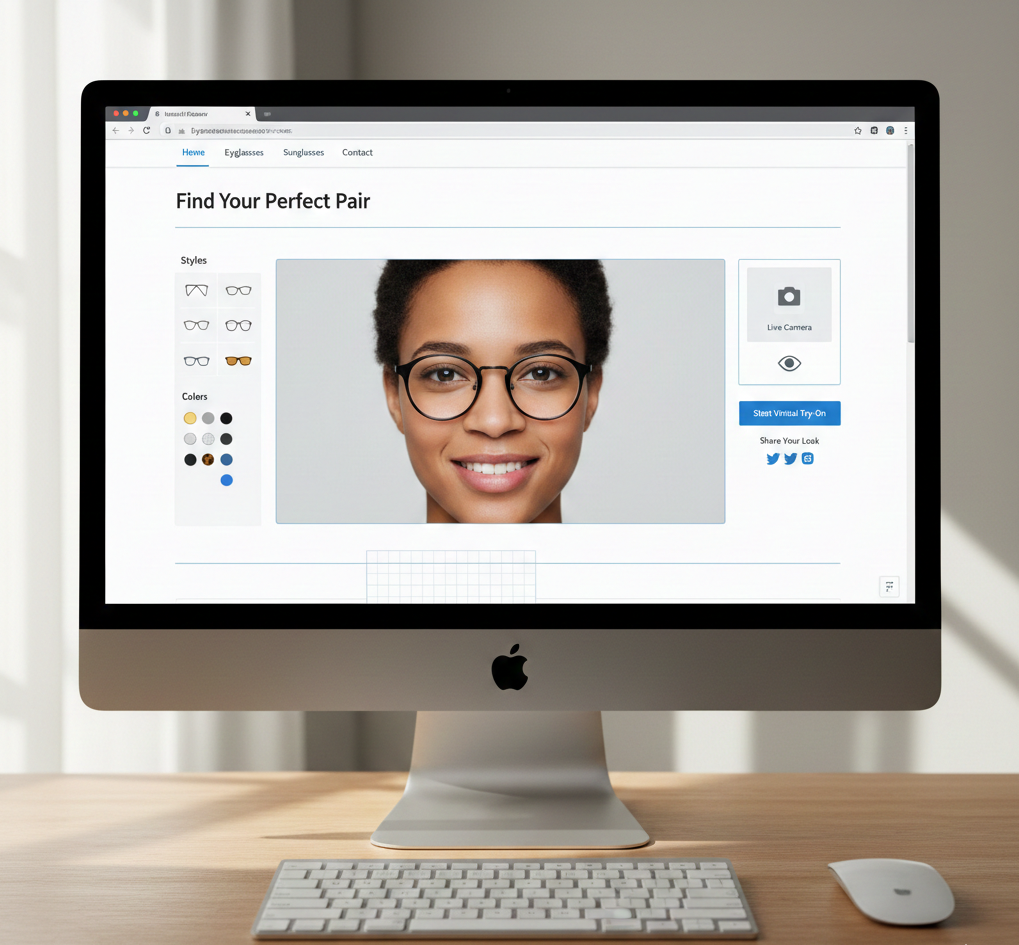
- 2D is fast, low‑cost and mobile‑friendly — great for large catalogs and social links.
- 3D delivers superior realism, fit accuracy and reflections — best for premium/higher‑ticket frames.
- Hybrid workflows (2D for volume, 3D for hero SKUs) balance cost and experience.
- Link‑based VTO (no SDK) can accelerate launches for both 2D and 3D; see tryitonme.com.
Introduction
If you’re weighing 2D vs 3D try on sunglasses for your ecommerce store, you’re asking the right question. The choice between a fast 2D try‑on overlay and a higher‑fidelity 3D try‑on can affect time‑to‑market, conversion and returns. Virtual try‑on demand is surging — over 215 million eyewear try‑ons in 2024 (up ~49% YoY) and has been linked to conversion uplifts; see market context at ArtLabs and regional ROI notes at Cermin. At the same time, shoppers report strong preference for 3D viewers when selecting frames — see the user study at FittingBox.
This guide helps marketing and product leads answer “which is better 2D 3D try on” for sunglasses: how each approach works, tradeoffs, a side‑by‑side comparison, testing tips, production checklists and a roadmap. If you want to skip integration, tryitonme.com offers a fast, no‑code, link‑based VTO platform supporting both 2D and 3D workflows.
Quick glossary: Key terms you should know
- 2D Try On
- A face‑mapped overlay or composited PNG that aligns product photos to facial landmarks for quick previews and social use. Reference: ArtLabs.
- 3D Try On
- Full 3D model (mesh + textures) rendered in real time with blendshapes, dynamic lighting and occlusion. See model types at Auglio.
- AR (Augmented Reality)
- Overlaying digital visuals over a live camera feed for an interactive try‑on. See provider roundup at Glamar.
- Overlay
- Basic 2D image placed on a face or video stream — described in ArtLabs.
- Occlusion
- Hiding parts of the glasses behind hair or ears so objects appear correctly; more advanced in 3D (Auglio).
- Reflection
- Dynamic light response on lenses and metal frames; handled best by PBR/3D rendering — see ArtLabs and Cermin.
- Tracking
- Face and pose detection for alignment as the user moves (overview: Glamar).
- Mesh Fit
- 3D geometry that conforms to head shapes using blendshapes for accurate positioning (see Auglio and Cermin).
How 2D Try On Works
Process summary: photos → cutouts → mapping → compositing.
- Product photography: capture front, slight side and other required angles — example process at tryitonme.
- Cutouts: create transparent PNGs or layered assets for each frame/style (ArtLabs).
- Anchor points: tag nose pads, temple tips and width references (Glamar).
- Mapping & compositing: align PNGs to facial landmarks in a user image or camera feed (ArtLabs).
Strengths (when 2D is the right choice)
- Speed to market: can go live in days–weeks (tryitonme).
- Cost efficiency: photography and cutouts are cheaper than 3D modeling (ArtLabs).
- Performance: lightweight assets work well on mobile and slow networks (ArtLabs and Cermin).
- Scalability: easy to scale across hundreds or thousands of SKUs (ArtLabs).
Limitations (what 2D can’t do well)
- Limited realism for head rotation and dynamic lighting; reflections look static (ArtLabs).
- Fit accuracy across varied face shapes and extreme poses is constrained (tryitonme, Cermin).
How 3D Try On Works
Process summary: scanning/modeling → PBR/textures → real‑time rendering.
- 3D creation: photogrammetry or CAD modeling to produce meshes and textures (Auglio).
- PBR/textures: prepare physically based maps for accurate metal, plastic and lens responses (Auglio).
- Real‑time rendering: engine matches lighting, applies occlusion and uses blendshapes to conform to the user’s face (FittingBox).
Strengths (realism, fit, finishes)
- Superior realism: users rate 3D viewers as more useful for frame selection — see user study at FittingBox and analysis at ArtLabs.
- Accurate fit across angles and true reflections/metal finishes boost confidence and reduce returns (Auglio).
Limitations (cost, performance, time)
- Higher production cost and longer modeling timelines (Auglio).
- Heavier assets require optimization (LODs, compressed textures) to perform on mobile (Auglio and Cermin).
- Traditionally deployed via SDK/API — though link‑based 3D offerings now reduce integration friction (tryitonme).
Side‑by‑Side Comparison
Quick scan — one‑line justification with sources:
- Realism: 2D — Good for basic previews; static overlays. (ArtLabs) 3D — Superior realism and full rotation; users find it highly useful. (FittingBox)
- Fit Accuracy: 2D — Basic alignment, limited angle fidelity (ArtLabs). 3D — True geometry and blendshapes for consistent fit (Auglio, Cermin).
- Reflections/Lighting: 2D — Static; weaker for metallics (ArtLabs). 3D — PBR handles dynamic shine (Auglio, Cermin).
- Head Rotation: 2D — Limited. (ArtLabs) 3D — Full 360° support with proper modeling (Auglio).
- Production Cost/Time: 2D — Low & fast (days/weeks) (tryitonme). 3D — Higher & slower (weeks/months) (tryitonme, Cermin).
- Mobile Performance: 2D — Excellent (lightweight). (ArtLabs) 3D — Good with optimizations; heavier assets (Auglio).
- SKU Scalability: 2D — High (catalog friendly). 3D — Asset‑intensive (tryitonme).
Decision guidance — When to pick 2D vs 3D
- Pick 2D if you need speed, low cost, lightweight mobile experiences or you have a large SKU catalog and want social/shoppable links (ArtLabs).
- Pick 3D when premium frames, reflections, and precise fit are purchase drivers and you can invest in models and optimization (FittingBox).
- Hybrid approach: use 2D for volume SKUs and 3D for hero/premium SKUs (tryitonme).
Testing and measurement: how to validate which approach works
- A/B test ideas: 2D vs 3D on product pages (compare conversion/AOV/returns); 2D overlay ads vs 3D viewer for social engagement (ArtLabs).
- KPIs: conversion rate lift, average order value (AOV), return rate, try‑ons per visitor, time‑to‑first‑try — analytics pointers at Cermin.
- Pilot suggestion: start with 10–20 SKUs and gather statistically meaningful traffic for each variant before scaling.
Production checklist and ballpark cost/time estimates
2D checklist
- Multi‑angle product photos, PNG cutouts, anchor point map, QA on devices, link hosting (tryitonme).
- Estimated/ballpark: small brand $500–2K, 1–2 weeks; enterprise budgets scale (tryitonme).
3D checklist
- High‑quality mesh or scan, PBR textures, LODs, occlusion/lighting QA, optimized web delivery (Auglio).
- Estimated/ballpark: small brand $5K–20K, 4–8+ weeks; enterprise $20K+. (tryitonme, Cermin).
Implementation roadmap (step‑by‑step for brands)
- Define KPIs (reduce returns? lift conversion? increase social engagement). (ArtLabs).
- Pick approach: 2D / 3D / hybrid using the decision table above.
- Create assets: send photos (2D) or schedule scans/modeling (3D). (tryitonme).
- Deploy via link: use tryitonme.com no‑code links to embed in product pages or share across social. (Cermin Shopify guide).
- Pilot: launch 10–20 SKUs, run A/B tests.
- Iterate & scale based on KPIs.
Why tryitonme.com is the Right Fit for Your Business
- Supports both 2D and 3D try‑on for accessories (eyewear, jewelry, watches, hats) with proven VTO workflows (tryitonme).
- Zero‑code, link‑based deployment — no SDK or heavy engineering; shareable product links work across web, mobile and social (tryitonme).
- Fast onboarding and delivery: buy a package by SKU count → send standard photos → tryitonme handles AR processing → receive ready‑to‑use try‑on links in under 3 business days (tryitonme).
- Scales for catalogs (2D) and supports premium 3D assets for hero products.
Why deployment method matters: SDK/API vs Link‑based VTO
SDKs give control and deep integration but require engineering time, app updates and maintenance. Link‑based VTO removes that friction — brands can launch try‑ons via shareable links embedded on Shopify, sent in SMS/DM, or used in social ads with no developer cycles (tryitonme). For many campaigns and retailers, link‑based delivery accelerates launches and lowers total cost of ownership (ArtLabs).
Examples / mini case studies
- Hypothetical 2D social campaign: cataloged sunnies launched in days via link‑based try‑on; drove high engagement and low CPC (ArtLabs).
- Hypothetical 3D product page: premium metallic frames modeled in 3D, embedded on Shopify, increased confidence and reduced returns for high‑ticket SKUs (FittingBox).
Visual & asset suggestions
- Side‑by‑side GIF/video: same sunglass style shown with 2D overlay vs 3D rotation (tryitonme).
- Decision flowchart: “Do you need scale or premium fit?” for product managers.
- Screenshots: tryitonme links embedded in Shopify product pages and a social story to demonstrate link‑based delivery.
Additional resources & appendices
- Semi vs full 3D eyewear model overview and technical tips: Auglio.
- VTO market impact, growth and conversion context: ArtLabs.
- 3D viewer usefulness and user study highlights: FittingBox.
Final notes and next steps
- Primary keyword usage: this article addresses 2d vs 3d try on sunglasses and includes related phrases for SEO.
- Visual lead magnet: offer a downloadable decision flowchart / checklist as lead capture after demo requests.
- Want to move fast? Test a 2D and 3D sample via link and run a 10–20 SKU pilot — tryitonme makes link‑based deployment quick.
Call to action
See both experiences firsthand — Book a Demo or request a pilot to get sample 2D and 3D links and a pilot quote.
FAQ
- Which is better 2D or 3D try on?
- It depends — choose 2D for speed, scale and social; choose 3D for premium realism and fit accuracy (ArtLabs).
- Is 2D accurate enough for sunglasses?
- For basic styles and social previews, yes; for metal finishes, complex reflections or fit‑critical purchases, 3D is preferable (ArtLabs).
- Do I need an SDK for 3D?
- Not necessarily — link‑based platforms like tryitonme.com support 3D without SDK integration.
- Can I start with 2D and upgrade to 3D later?
- Yes — many brands adopt a hybrid rollout: 2D for broad coverage and 3D for hero SKUs (tryitonme).
- How should I measure success of a try‑on pilot?
- Key KPIs: conversion lift, AOV, return rate, try‑ons per visitor and time‑to‑first‑try. Run A/B tests with enough traffic (start with 10–20 SKUs) and track outcomes via your analytics stack (Cermin analytics guide).